Showing posts with label Applications. Show all posts

Tuesday, September 25, 2018

How To Install OpenShot Video Editor 2.4.3 released On Ubuntu 18.04

   OpenShot Video Editor is a free, open-source video editor for Linux. OpenShot can take your videos, photos, and music files and help you create the film you have always dreamed of. Easily add sub-titles, transitions, and effects, and then export your film to DVD, YouTube, Vimeo, Xbox 360, and many other common formats.


OpenShot 2.4.3 release highlights:
  • Masks and transitions can now be modified at any time, and can now use an image or video! This utilizes the grayscale of each frame and converts it into a mask, and can be used to create some really amazing effects.
  • Threading improvements help prevent crashing around effects (including masks and transitions), and improve performance on many systems.
  • Save frame button for quickly saving the current preview frame
  • Huge improvement to language translations

Sunday, September 23, 2018

How to Install HandBrake 1.1.2 on Ubuntu 18.04

     HandBrake is a free and open-source video transcoder, originally developed in 2003 by Eric Petit (aka "titer" from his SVN repository username) to make ripping a film from a DVD to a data storage device easier. Since then, it has undergone many changes and revisions.
     HandBrake is available for Linux, macOS, and Windows. It uses third-party libraries such as Libav, libvpx, and x265.


HandBrake 1.1.2 Changelog:
 
General
  • Fixed Blu-ray title name where reading from raw device
  • Improved handling of broken units in Blu-ray source (skip and continue reading)
Video
  • Fixed rare crash related to preview images, anamorphic, and default preset values
  • Fixed jitter produced by 59.94 fps to 29.97 fps frame rate conversion
Audio
  • Fixed duration of silence buffers (may improve audio/video sync for some sources)

Tuesday, December 19, 2017

How to Install GnuCash 2.6.19 the financial-accounting on Ubuntu 17.04, 17.10

    GnuCash is personal and small-business financial-accounting software, freely licensed under the GNU GPL and available for GNU/Linux, BSD, Solaris, Mac OS X and Microsoft Windows.


     Designed to be easy to use, yet powerful and flexible, GnuCash allows you to track bank accounts, stocks, income and expenses. As quick and intuitive to use as a checkbook register, it is based on professional accounting principles to ensure balanced books and accurate reports.

The GnuCash development team announces GnuCash 2.6.17, the sixteenth maintenance release in the 2.6-stable series.

Monday, December 18, 2017

How to Install Eclipse IDE on Ubuntu 17.04, 17.10

    Eclipse is a well known Integrated Development Environment. It is used by developers all around the world to code their application, it is primarily developed in Java, but programmers can use it to code their applications in various languages like C/C++, COBOL, Fortran, Perl, PHP, Python, Ruby on Rails etc. It is a cross platform application and runs fine on Microsoft Windows, Linux, Solaris and Mac OS.


Installation instructions:

    Installing Eclipse on ubuntu is not very complex process, first of all make sure to install Java on your Linux system, Eclipse needs java as pre-requisite , run following command to install java on your Ubuntu system.

 for Java 7

$ sudo apt-get install openjdk-7-jdk

or for Install Java 8  Click links  or Install Java 9  Click links

Sunday, December 17, 2017

How to install Qt 5.10.0 released on Ubuntu 17.04, 17.10

   Qt is much more than just a cross-platform SDK - it's a technology strategy that lets you quickly and cost-effectively design, develop, deploy, and maintain software while delivering a seamless user experience across all devices.


Qt 3D Studio will work with both Qt 5.9 and 5.10. The runtime and the 3D Studio application are both available under commercial and GPL licensing.

Qt 5.10.0 released Changelog:

Qt Core
  • Added rudimentary implementation of QStringView. It is missing some (important) const-QString functions, but is fully functional as an interface type. To be completed for Qt 5.11.

Wednesday, November 29, 2017

How to install DVDStyler 3.0.4 on Ubuntu 17.10, 18.04

  DVDStyler 3.0.4 Authoring Tool released is a cross-platform free DVD authoring application for the creation of professional-looking DVDs. It allows not only burning of video files on DVD that can be played practically on any standalone DVD player, but also creation of individually designed DVD menus. It is Open Source Software and is completely free.


DVDStyler 3.0.4 Changelog:
  • fixed handling of files with multiple video streams (pictures, video thumbnails or cover arts)
  • added possibility to play video from internal file browser
  • win32/win64: updated Manolito's VBR plug-in

Monday, November 20, 2017

How to install FileZilla 3.29.0 released on Ubuntu 17.10

    FileZilla is a free, cross-platform and full-featured FTP (File Transfer Protocol) solution for the Linux and Open Source ecosystems. It is also compatible with the Microsoft Windows and Mac OS X operating systems.


FileZilla 3.29.0 changelog
  • Fix: Fix activity indicators not working after the update check has been run
  • Added new quick search filter to file lists, accessed through Ctrl+F
  • FTP over TLS: Mismatched hostnames are now highlighted in red in the certificate verification dialog
  • Filters using regular expressions can now be case-insensitive

Saturday, November 18, 2017

How to install XnView MP 0.88 on Ubuntu 17.10

XnView is an image organizer and general-purpose file manager used for viewing, converting, organizing and editing raster images, as well as general purpose file management. It comes with built-in hex inspection, batch renaming and screen capture tools. It is licensed as freeware for private, educational and non-profit uses. For other uses, it is licensed as commercial software.


XnView MP 0.88 Changlog:
  • [New] More used formats at the top in save dialog
  • [New] Policy entries in xnview.ini
  • [New] Exposure adjsutement in edit mode
  • [New] FLIF 0.3

Thursday, November 16, 2017

How to Install LibreOffice 5.4.3.2 on Ubuntu 16.04 & Higher

    LibreOffice is a powerful office suite – its clean interface and feature-rich tools help you unleash your creativity and enhance your productivity. LibreOffice includes several applications that make it the most powerful Free and Open Source office suite on the market: Writer (word processing), Calc (spreadsheets), Impress (presentations), Draw (vector graphics and flowcharts), Base (databases), and Math (formula editing).


LibreOffice 5.4.3.2 Changelog:
  • LibreOffice uses wrong attribute for feature "shrink-to-fit"
  • Cannot run LibreOffice, api-ms-win-crt-runtime-l1-1-0.dll is missing (for local solution see comment 7)
  • Cannot paste formatted text (.rtf) from clipboard on Mac. It comes always unformatted. Still broken in 5.3.6 and 5.4.1

Tuesday, November 14, 2017

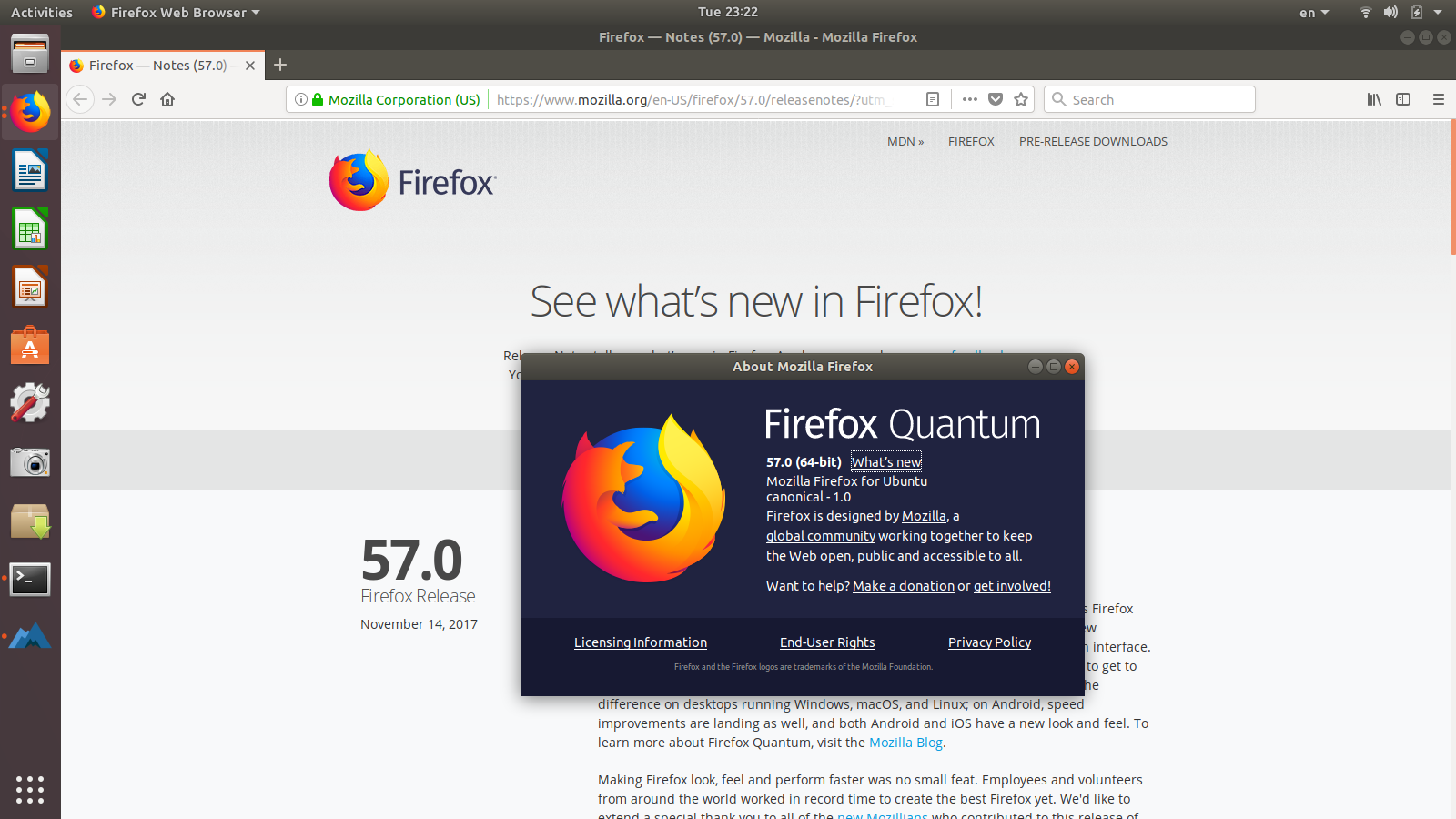
Firefox 57 Released! How to Install it via PPA on Ubuntu 17.10

   Mozilla Firefox web browser has reached the 57 stable release makes Firefox faster and more stable with completely new browsing engine.


Firefox 57 Changelog :  
New

Sunday, November 12, 2017

How to install Inkscape 0.92.2 on Ubuntu 17.10

    Inkscape is professional quality vector graphics software which runs on Windows, Mac OS X and GNU/Linux. It is used by design professionals and hobbyists worldwide, for creating a wide variety of graphics such as illustrations, icons, logos, diagrams, maps and web graphics. Inkscape uses the W3C open standard SVG (Scalable Vector Graphics) as its native format, and is free and open-source software.


    Inkscape has sophisticated drawing tools with capabilities comparable to Adobe Illustrator, CorelDRAW and Xara Xtreme. It can import and export various file formats, including SVG, AI, EPS, PDF, PS and PNG. It has a comprehensive feature set, a simple interface, multi-lingual support and is designed to be extensible; users can customize Inkscape's functionality with add-ons.
 
Inkscape 0.92.2 highlights
    Improvements
    • Add a control point to the centers of rectangles, circles/ellipses and stars to make it easier to move them and to align them in a precise way. (Video)
    • DPI Change: Command line option --dpi-update-method=[none|scale-viewbox|scale-document] to batch-process legacy files.
    • Improve selection chemistry z-stack ordering.

    Monday, November 6, 2017

    How to Install Audacity 2.2.0 via PPA on Ubuntu 17.04, 18.04

       Audacity is free, open source, cross-platform audio software for multi-track recording and editing.
    Compilation instructions for Audacity are provided in the source code:
    • Windows: win\compile.txt
    • macOS: mac/Build.txt
    • GNU/Linux: INSTALL.

    Audacity 2.2.0 Changelog:
    • Four supplied user interface themes, and customizability of themes for advanced users.
    • Playback of MIDI files (fully automatic on Windows; requires cooperating software synthesizer programs on macOs or Linux; special thanks to Audacity co-founder Roger Dannenberg and new contributor “pokechu22”)
    • Better organized menus

    How to install Synfig Studio 1.2.1 : A Powerful Animation Software on Ubuntu 17.04, 18.04

       Synfig is a powerful, industrial-strength vector-based 2D animation software package, designed from the ground-up for producing feature-film quality 2D animation with fewer people and resources.


    Synfig Studio 1.2.1 Changelog:
    • Fixed rendering of text with international characters on Windows.
    • Fixed algorithm of Fast Gaussian Blur, eliminating the random artifacts.
    • Fixed incorrect rendering of Twirl Layer and Noise Distortion Layer.

    Monday, October 16, 2017

    How to install Screen Recorder on Ubuntu 16.04, 17.04 , 17.10

       Screen Recorder is a simple desktop recorder for Linux systems. Built using Python, GTK+ 3 and ffmpeg. It supports recording audio and video on almost all Linux interfaces. Also, Green Recorder is the first desktop program to support Wayland display server on GNOME session.


         Formats are currently supported: mkv, avi, mp4, wmv, gif and nut (And only WebM for Wayland's GNOME session). You can stop the recording process easily by right-clicking the icon and choosing "Stop Record". Or middle-clicking the recording icon in the notifications area

        It uses the D-Bus API to connect to the built-in screencasting tool in GNOME Shell. It uses this to record video. To record audio, it launches an instance of ffmpeg in the background. After the recording is finished, it merges the two files into the WebM file.

    Saturday, October 14, 2017

    How to Install Sweet Home 3D 5.5.2 Upgraded Java 3D on Ubuntu 16.04, 17.0 and 17.10

    Sweet Home 3D is a free interior design application that helps you draw the plan of your house, arrange furniture on it and visit the results in 3D.  The latest Sweet Home 3D 5.5.2 was released on September 20, 2017 Upgraded Java 3D to version 1.6.0 for the Mac OS X distributions running under Java 6.


    Sweet Home 3D 5.5.2 Changelog:
    • Fixed photo creation at the two lowest quality levels when two monitors are used.
    • Fixed how lights in groups are rendered at the two best quality levels in the photo creation tool.
    • Upgraded Java 3D to version 1.6.0 for the Mac OS X distributions running under Java 6 (Mac OS X 10.6.8 to 10.13), leaving the JAR Executable as the only version able to run Sweet Home 3D under Mac OS X 10.4 and 10.5, and/or PowerPC.
    • Other minor bugs fixes and enhancements.

    Monday, September 25, 2017

    How to install Stellarium 0.16.1 on Ubuntu 16.04, 17.04

       Stellarium is a free open source planetarium for your computer. It shows a realistic sky in 3D, just like what you see with the naked eye, binoculars or a telescope.


    Version 0.16.1 is based on Qt 5.6.2, but it can still be built from sources with Qt 5.4.
    This version is bugfix release with some important features:
    • Added moons of Saturn, Uranus and Pluto
    • Added improvements for AstroCalc tool
    • DSO catalog was updated to version 3.2:
    • Added support 'The Strasbourg-ESO Catalogue of Galactic Planetary Nebulae' (Acker+, 1992)

    Sunday, September 17, 2017

    How to Install Claws Mail 3.15.1 on Ubuntu 16.04, 17.04

    Claws Mail is an email client (and news reader), based on GTK+, featuring

        Quick response
        Graceful, and sophisticated interface
        Easy configuration, intuitive operation
        Abundant features
        Extensibility
        Robustness and stability

    The appearance and interface are designed to be familiar to new users coming from other popular email clients, as well as experienced users. Almost all commands are accessible with the keyboard.


    Claws Mail 3.15.1 Changelog:
    Bug fixes:
    • bug 3348, 'Contact pictures not deleted when contact is deleted'
    • bug 3721, 'Fails to build in Debian kfreebsd-*'
    • bug 3744, 'Crash upon deleting tags.'

    How to install oStorybook 5.01.00 on Ubuntu 16.04, 17.04

       Storybook is an open source software for writers, essayists, authors. Used from the draft to the final work, with oStorybook you can never lose the history of the field of view. oStorybook helps you to maintain control over the various developments of your story.


    oStorybook 5.01.00 Changelog: 
       A little ahead of the usual schedule, the new version 5.01.00 is now available. You will find many evolutions here:
    • new typist mode
    • the special characters button is now in the editor tools
    • modification of the editor Party (notes on the Common tab)
    • addition of the edit button in the list of components of the editor

    How to install MyNotex 1.4.1 on Ubuntu 16.04, 17.04

        MyNotex is a free software for GNU/Linux to take notes, to file documents and to manage activities. Notes are gathered under different subjects and are made by a title, a date, a tags (keywords) list and a free-length text. This may be formatted: it is possible to change the font name, size and color of a selected text and of its background, and also to set bold, italic, underline and strike-through; the text may have pictures within it. The software can manage paragraph alignment, bullets, numbered and alphabetic lists with automatic indentation. Each note may have any number of attachments (files of every kind), and has also a spreadsheet-like grid to manage a list of activities which is quite similar to the one used in many software of project management. The various activities of one or all the notes of a file may be shown in a diary view and possibly exported in iCal format. A single file of MyNotex contains various notes filed under different subjects.


    Bugs in MyNotex 1.4.0
    • The French language file is broken, so the menu items are not shown. As a workaround, download the correct French language file from https://sites.google.com/site/mynotex/files/fr.lng?attredirects=0&d=1, rename it as "translation-1.4.0" and copy it in the folder ~./config/mynotex overwriting the existing file with the same name (fixed in the 1.4.1 version).

    How to install Blender 2.79 released on Ubuntu 16.04, 17.04

       Blender is the free and open source 3D creation suite. It supports the entirety of the 3D pipeline—modeling, rigging, animation, simulation, rendering, compositing and motion tracking, even video editing and game creation.


    Blender 2.79  highlights:
    •    Cycles: Built-in Denoising, Shadow catcher, Principled shader, AMD OpenCL optimizations.
    •    Grease Pencil: New frame interpolation tools, per-layer onion skinning.
    •    Alembic: Improvements to compatibility, stability and support.
    •    User Interface: Initial support for reusable custom configurations, automatic DPI scaling.