Showing posts with label Internet. Show all posts

Saturday, September 22, 2018

How to Install qBittorrent 4.1.3 on Ubuntu 18.04

     qBittorrent is a free, open-source and reliable P2P BitTorrent client, available for Linux, FreeBSD, Mac OS X and Windows. It aims to provide a free software alternative to uTorrent.


qBittorrent 4.1.3 changelog : 
  • FEATURE: Preselect name without extension when renaming files.
  • FEATURE: Allow setting seq & first/last from context menu without metadata.
  • BUGFIX: Show "N/A" if there is no scrape.
  • BUGFIX: Save option about tracker favicons under correct key.
  • BUGFIX: When file data are unreachable pause torrent and show "Missing Files" status (temporary fix).
  • BUGFIX: Don't disable DHT when using force proxy.

Monday, November 20, 2017

How to install FileZilla 3.29.0 released on Ubuntu 17.10

    FileZilla is a free, cross-platform and full-featured FTP (File Transfer Protocol) solution for the Linux and Open Source ecosystems. It is also compatible with the Microsoft Windows and Mac OS X operating systems.


FileZilla 3.29.0 changelog
  • Fix: Fix activity indicators not working after the update check has been run
  • Added new quick search filter to file lists, accessed through Ctrl+F
  • FTP over TLS: Mismatched hostnames are now highlighted in red in the certificate verification dialog
  • Filters using regular expressions can now be case-insensitive

Tuesday, November 14, 2017

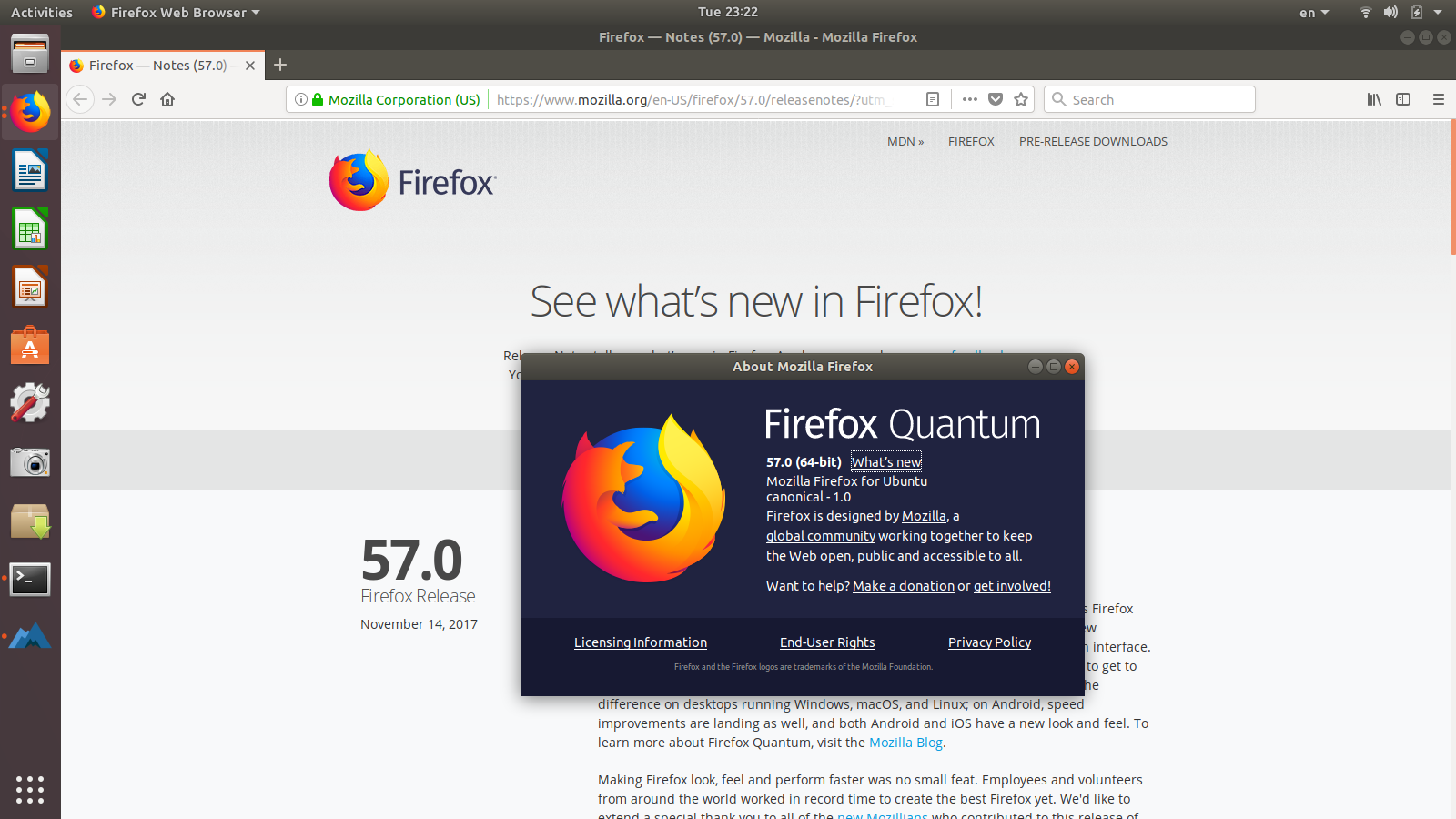
Firefox 57 Released! How to Install it via PPA on Ubuntu 17.10

   Mozilla Firefox web browser has reached the 57 stable release makes Firefox faster and more stable with completely new browsing engine.


Firefox 57 Changelog :  
New

Sunday, September 17, 2017

How to Install Claws Mail 3.15.1 on Ubuntu 16.04, 17.04

Claws Mail is an email client (and news reader), based on GTK+, featuring

    Quick response
    Graceful, and sophisticated interface
    Easy configuration, intuitive operation
    Abundant features
    Extensibility
    Robustness and stability

The appearance and interface are designed to be familiar to new users coming from other popular email clients, as well as experienced users. Almost all commands are accessible with the keyboard.


Claws Mail 3.15.1 Changelog:
Bug fixes:
  • bug 3348, 'Contact pictures not deleted when contact is deleted'
  • bug 3721, 'Fails to build in Debian kfreebsd-*'
  • bug 3744, 'Crash upon deleting tags.'

Thursday, June 8, 2017

How to Install YouTube-DL GUI 0.3.8 on Ubuntu 16.04, 17.04

    Youtube-dlG is an open-source front-end GUI written in wxPython. List of supported sites. The tool is quite simple, all you need to do is simply
  •     paste the video URLs (one URL per line) in the box
  •     set the format, quality, subtitles, etc in the Options dialog
  •     and finally click the Download button.
 
The software depends on wxPython, Python 2.7+. And FFmpeg is required as optional if you want to convert downloaded video to audio files.

YouTube-DLG 0.3.8 Changelog
  • Optionsframe centering

Sunday, May 21, 2017

How to Install ClipGrab 3.6.5 on Ubuntu 16.04 & Higher

     ClipGrab is a free downloader and converter for YouTube, Vimeo, Metacafe, Dailymotion and many other online video sites.  It converts downloaded videos to MPEG4, MP3 or other formats in just one easy step.


Which sites are supported by ClipGrab?

  • YouTube
         YouTube is the most popular video website in the world. This is also why it is the most important site supported by ClipGrab.

How to install Deluge 1.3.15 on Ubuntu 14.04, 16.04 & Higher

   Deluge is a fully-featured cross-platform ​BitTorrent client. It is ​Free Software, licensed under the ​GNU GPLv3+ and adheres to ​freedesktop standards enabling it to work across many desktop environments.


Deluge 1.3.15 a bug fix release that resolves a few issues introduced in 1.3.14 along with other minor fixes.
Network Proxy Settings:
  • Since libtorrent 0.16 there has only been a single proxy that applies to all types (Peer, web, etc.) so to prevent bugs with accidentally unsetting the proxy values Deluge now only sets a single proxy but mirrors the settings from peer type to the other proxy types for user display only to show that proxy is enabled for all connections. In the GTKUI this means that the other types are greyed out and will be unable to be set. This is a stopgap measure for 1.3 code and is properly fixed for 2.0 release.

Wednesday, May 17, 2017

How to install ScreenTranslator 2.0.0 Ubuntu 16.04 & Higher

   This software allows to translate any text on screen. Basically it is a combination of screen capture, OCR and translation tools.


ScreenTranslator 2.0.0 Changelog:
  • Added a version for linux.
  • Added support for multiple monitors.
  • Added ability of recognition without translation.
  • Added ability to recapture from old image.

Tuesday, May 16, 2017

How to install Opera 45 Released with Built-in Facebook Messenger, WhatsApp on Ubuntu

   Opera 45, codenamed Reborn, was released earlier today. The new release features included messengers are Facebook Messenger, WhatsApp and Telegram. To use any of them, simply click their icon. After you log in to the site, there are two ways of using this feature: you can open it in overlay or pin it side-by-side with your current tab. Pinning a communicator allows you to combine online chatting with a full browsing experience. You can also decide which of the messengers to enable in your sidebar by selecting them under ‘Customize start page.’


Features in Opera 45:
  • light and dark theme
  • Refined user interface, new icons, and animations.
  • More control over ad blocking

Thursday, May 11, 2017

How to install FileZilla 3.25.2 released on Ubuntu 16.04 & Higher

   FileZilla is a free, cross-platform and full-featured FTP (File Transfer Protocol) solution for the Linux and Open Source ecosystems. It is also compatible with the Microsoft Windows and Mac OS X operating systems.


FileZilla 3.25.2 changelog
  •     SFTP components have been updated and are now based on PuTTY 0.69
  •     Fixed potential stall during the final listing operation when finishing a queue which contained uploads
  •     Fix crash if filters.xml has become corrupted
  •     Fix FTP proxy support

Sunday, April 23, 2017

How to install Firefox 53 Released with Stability Improvements

   Mozilla Firefox web browser has reached the 53 stable release makes Firefox faster and more stable with a separate process for graphics compositing (the Quantum Compositor). Compact themes and tabs save screen real estate, and the redesigned permissions notification improves usability.


Firefox 51 Changelog : 
New
  •     Improved graphics stability for Windows users with the addition of compositor process separation (Quantum Compositor)
  •     Two new 'compact' themes available in Firefox, dark and light, based on the Firefox Developer Edition theme

Wednesday, April 5, 2017

How to install FileZilla 3.25.1 released on Ubuntu 16.10, 16.04

   FileZilla is a free, cross-platform and full-featured FTP (File Transfer Protocol) solution for the Linux and Open Source ecosystems. It is also compatible with the Microsoft Windows and Mac OS X operating systems.


FileZilla 3.25.1 changelog
  •     OS X: Fixed a crash if connecting to old servers not supporting UTF-8
  •     Fixed timeout detection
  
Installation instructions:

   The GetDeb repository contains the latest packages of FileZilla, available for Ubuntu 16.04, Ubuntu 16.10, and derivatives.

Thursday, January 26, 2017

Install Firefox 51 Released with FLAC, WebGL 2 Support on Ubuntu

Mozilla Firefox web browser has reached the 51 stable release today, features FLAC playback, WebGL 2, video performance improvements, security fixes and other enhancements.


Firefox 51 Changelog : 
New
  •     Added support for FLAC (Free Lossless Audio Codec) playback
  •     Improved reliability of browser data sync
  •     An even faster E10s! Tab Switching is better!
  •     Added Georgian (ka) and Kabyle (kab) locales

Saturday, January 14, 2017

How to install Thunderbird 45.6.0 on Ubuntu 16.04, 16.10

   Thunderbird 45.6.0 is an open-source e-mail client and chat client developed by Mozilla. Among others, it has support for email addresses, newsgroup, news feed and chat (XMPP, IRC, Twitter) Client, managing multiple accounts. Also, it has support for different themes and its power can be extended by plugins.


Fixed:
  • The system integration dialog was shown every time when starting Thunderbird
  • Various security fixes

Thursday, December 29, 2016

How to install FileZilla 3.23.0.2 released on Ubuntu 16.10, 16.04

    FileZilla is a free, cross-platform and full-featured FTP (File Transfer Protocol) solution for the Linux and Open Source ecosystems. It is also compatible with the Microsoft Windows and Mac OS X operating systems.


FileZilla 3.23.0.2 changelog
  •     Key file paths entered in the Site Manager are now saved to corresponding server entries in the transfer queue
  •     MSW: Work around a bug in wxWidgets causing bad icons in the remote directory tree due to wxImageList::GetBitmap errorneously stripping the alpha channel from images

Thursday, December 22, 2016

How to install Vivaldi 1.6 Released on Ubuntu 16.04, 16.10

  Vivaldi Web Browser is a free, fully customizable web browser. Feature rich, powerful, secure and fun!


Vivaldi 1.6 Changelog:
  •     [New feature][Tabs] Detect numbers enclosed in brackets (parentheses) in page title to use as tab notifications (VB-23635)
  •     [New Feature][Tabs] Ctrl/⌘ double click tab should select tabs of same host (VB-23096)
  •     [New Feature][Tabs] Title renaming for tab stack: enable via "Settings → Tabs → Tab Features" (VB-23491)

Monday, December 19, 2016

How to Install Opera 42 Released with Built-in Currency Converter

    Opera 42, a new stable release of this Chromium based web browser, was released today. The new release features built-in currency converter and improved newsreader.


Features in Opera 42 includes:
  •     Built-in currency converter. Simply select the price you want to convert on the page and Opera will automatically show it in your local currency.
  •     Even smarter and faster startup
  •     Easier way to discover feeds. Opera’s personal newsreader offers a newspaper icon on address bar. (Disabled by default)

Sunday, December 11, 2016

How to Install Skype 1.13 Alpha on Ubuntu 16.10, 16.04

   Skype  is an application that provides video chat and voice call services. Users may exchange such digital documents as images, text, video and any others, and may transmit both text and video messages. Skype allows the creation of video conference calls. Skype is available for Microsoft Windows, Macintosh, or Linux, as well as Android, Blackberry, and both Apple and Windows smartphones and tablets.


Skype 1.13 Alpha Changelog:
  •     Enabled SMS sending
  •     Update to Electron 1.4.7
  •     Support for remote escalation of the 1-1 call to group call
  •     Improved crash reporting
  •     Added support for authentication token revocation
  •     Bugfixes and performance improvements

Thursday, December 1, 2016

How to install Vivaldi 1.5 Released on Ubuntu 16.04, 16.10

   Vivaldi Web Browser is a free, fully customizable web browser. Feature rich, powerful, secure and fun!


Vivaldi 1.5 Changelog:
  • [New Feature][Themes] Philips Hue integration
  • [New Feature][Windows] Support for delta updates
  • [New Feature][Notes] Fetch screenshot automatically when adding a new note
  • [New Feature] Reader mode button in the URL field and a mapable keyboard shortcut
  • [New Feature] Built in Chromecast support

Wednesday, November 30, 2016

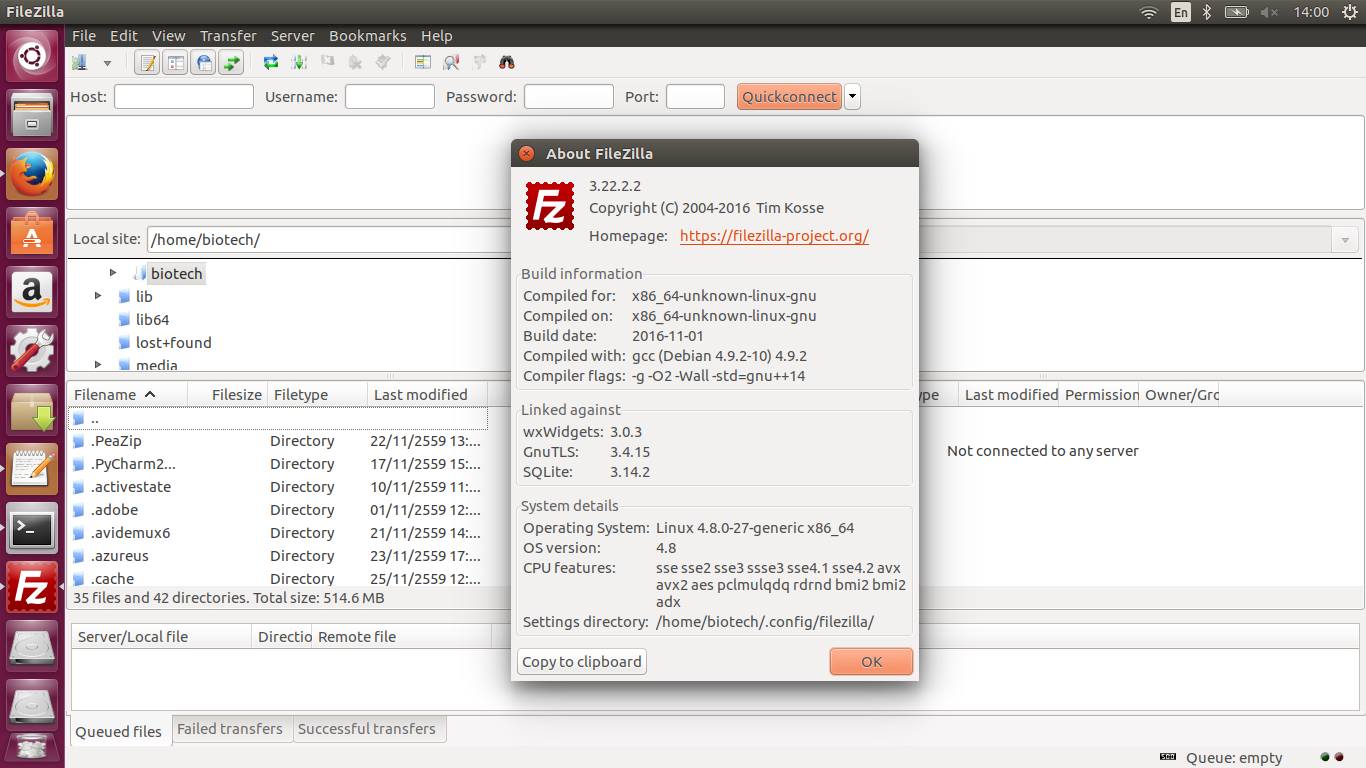
How to install FileZilla 3.22.2 released on Ubuntu 16.10

    FileZilla is a free, cross-platform and full-featured FTP (File Transfer Protocol) solution for the Linux and Open Source ecosystems. It is also compatible with the Microsoft Windows and Mac OS X operating systems.


FileZilla 3.22.2 changelog
  • Fixed trimming of FEAT response lines leading to incorrectly detected server features
  • OS X: Rebuilt to work around a nasty bug in XCode: Even when linking with -Wl,-no-weak-imports it links against functions not available on older OS X versions
  • Fixed a crash on exotic servers only implementing factless MLST/MLSD